
This post contains affiliate links. If you buy through them, we may earn a small commission at no extra cost to you. As an Amazon Associate I earn from qualifying purchases.
Quick verdict
The best overall Unity asset to shortlist for Black Friday is Odin Inspector and Serializer for code-heavy projects, because its attribute-driven inspectors address editor work that repeats across your game. If that is not your bottleneck, buy for the problem you actually have, not the biggest percentage badge.
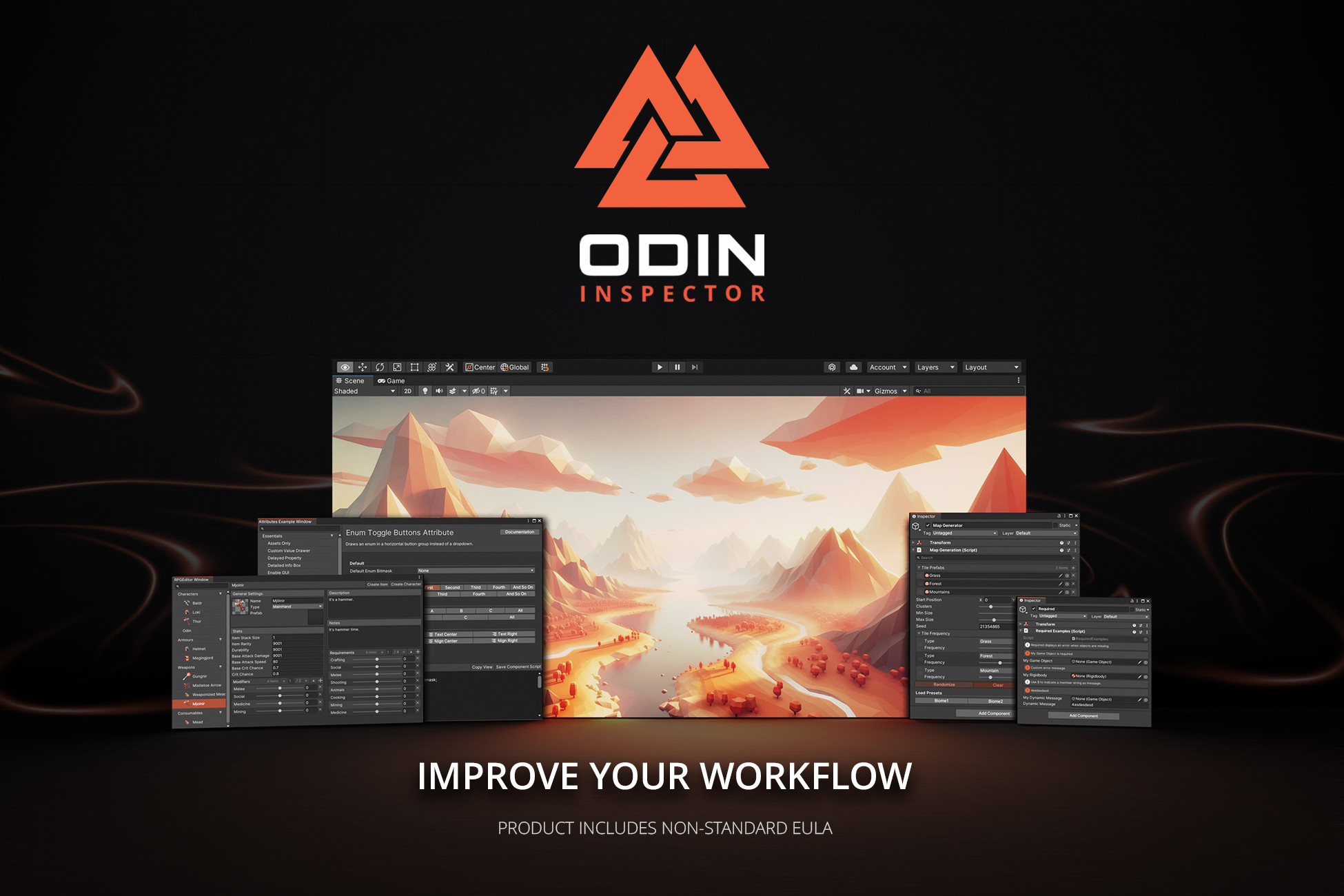 Best overall Odin Inspector For repeated inspector work. Skip it if Unity’s default Inspector is enough.

 Character cloth Magica Cloth 2 For clothing and hair simulation. Check editor support and performance budget first.
How we picked
- Compared Unity’s official best-selling tools list and Black Friday preview with current competitor recommendations.
- Checked individual listings for availability, successor packages, editor requirements and practical fit.
- Prioritised repeatable workflow value and clear reasons not to buy. These are researched recommendations, not new hands-on tests.
Best for: Unity developers choosing tools and art for an existing project, especially small teams protecting a limited asset budget.
Unity Black Friday sale: what is confirmed?
As checked on 15 November 2026, Unity’s official preview says the 50% off Black Friday selection launches on 16 November, alongside separate Flash Deals advertised at up to 95% off. That does not mean every asset below is discounted, or that every Flash Deal starts at the same time.
Check Unity’s official sale preview and confirm the exact package, offer window and checkout price before buying. We do not quote a launch hour or an end date that the checked preview does not establish.
This is an editorial shortlist, not an official sales ranking. Unity’s best-selling tools page helps identify candidates, but it does not publish the purchase counts behind this guide. We have expanded the old sixteen-item article to twenty reviews instead of pretending these are Unity’s exact top twenty sellers.
Tools, gameplay and technical art
7.Odin - Inspector and Serializer
- Features
- Attribute-driven inspectors; serialization
- Compatibility
- Listing matrix: Unity 2022.3; check your exact editor version
Repeatedly writing custom inspectors is a lousy use of a small team’s week. Odin lets you expose and organise fields with attributes, and includes a serializer for data Unity does not handle natively. It is our best overall workflow pick for a code-heavy project because that work repeats across systems, not just one scene.
Who should skip it? Skip it if the standard Inspector already covers your needs. Check the applicable licence terms for your team before checkout.
10.Easy Save - The Complete Save & Load Asset
- Features
- Save files; supported data serialization
- Compatibility
- Current package originally targets Unity 2021.3; verify target platform
A save button is easy. Recovering the right inventory after a patch is less charming. Easy Save handles saving and loading supported data types, giving you a starting point for persistence instead of another home-grown file wrapper.
Who should skip it? Skip it for a prototype that only needs a few preferences. You still own save-version migration, validation and decisions about what should persist.
12.DOTween Pro
- Features
- Visual tween editor; Pro extensions
- Compatibility
- Listing matrix includes Unity 6 and Unity 2022.3
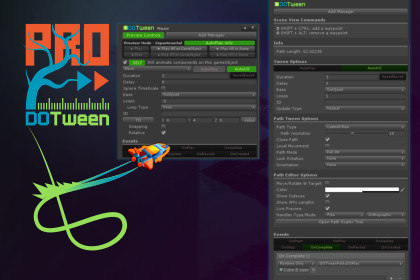
Menus need movement, not another animation system to maintain. DOTween Pro adds visual authoring and extra features on top of the free DOTween engine for scripted motion, fades and sequences.
Who should skip it? Start with free DOTween if you are happy writing tweens in C#. Buy Pro for its authoring extras, not because basic tweening requires payment.
Feel
- Features
- Feedback sequencing; screen shake; haptics
- Compatibility
- Listing explicitly supports Unity 6; pipeline-specific effects need setup
An impact can trigger a sound, particles, camera shake and a small time change. Feel brings those responses into configurable feedback sequences instead of scattering the timing across scripts. It fits a game with working mechanics that needs readable reactions.
Who should skip it? Skip it while the core mechanic is still uncertain. More feedback will not rescue unclear combat, and excessive shake can make a game harder to read.
A* Pathfinding Project Pro
- Features
- Grid and navmesh graphs; local avoidance
- Compatibility
- Unity 2022.3+ recommended; older editors receive an older package
Enemies walking into the same corner need a navigation plan, not stronger health bars. A* Pathfinding Project Pro supports grid, point, hexagonal and navmesh graphs, runtime graph updates and local avoidance for 2D and 3D projects.
Who should skip it? Try Unity’s navigation tools first for a straightforward level. Pro makes more sense when your graph type, changing map or agent movement needs exceed that setup.
6.Final IK
- Features
- Humanoid and generic rigs; IK solvers
- Compatibility
- Listing matrix includes Unity 6, 2022.3 and 2021.3
An animation cannot anticipate every stair height or hand target. Final IK supplies inverse-kinematics solvers so limbs can respond to targets and interactions, including full-body and VR-oriented setups.
Who should skip it? Skip it if Unity Animation Rigging covers the constraints you need. It does not replace a rig, an animation library or careful solver setup.
Magica Cloth 2
- Features
- Cloth simulation; character hair and clothing
- Compatibility
- Listing matrix: Unity 2021.3 and 2022.3; verify your Unity 6 version
A cape moving like cardboard is a very specific problem. Magica Cloth 2 is a cloth-simulation tool for clothing, hair and other deformable character elements, rather than a general animation pack.
Who should skip it? Skip it for static props or characters with no visible secondary motion. Budget for simulation and setup; a store demo does not establish performance in your scene.
1.RayFire for Unity
- Features
- Editor fracture; runtime destruction; simulation playback
- Compatibility
- Listing matrix: Unity 2022.3, Built-in, URP and HDRP

Breakable walls need fragments, activation rules and a way to stop debris becoming the whole game. RayFire 2 provides editor and runtime fracture, demolition, clustering and recorded-simulation playback. This is the direct successor to the retired RayFire package in the original review.
Who should skip it? Skip it if a pre-fractured mesh swap sells the effect. Runtime destruction adds physics and debris costs that still need profiling.
8.Bakery - GPU Lightmapper
- Features
- GPU light baking; Nvidia denoising
- Compatibility
- Requires a compatible Nvidia GPU and 64-bit Windows
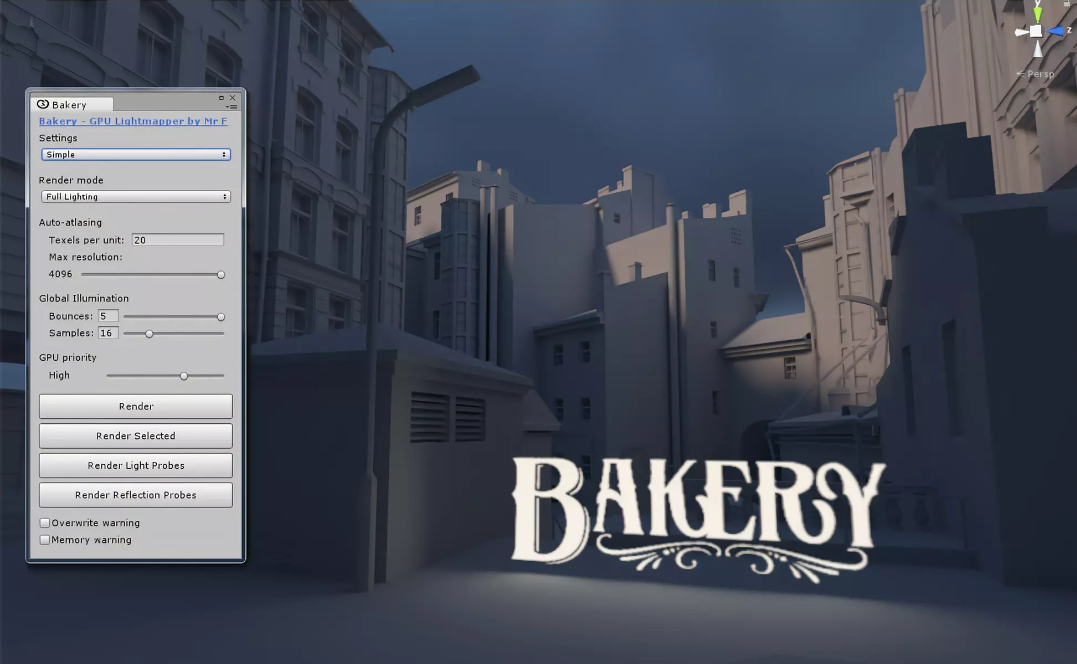
Lighting iterations can become a queue you spend the afternoon watching. Bakery is an alternative light-baking workflow using Nvidia hardware, with baked lighting tools rather than a universal real-time lighting fix.
Who should skip it? Skip it on an unsupported workstation, or if Unity’s existing lightmapper meets your needs. It is not a Mac-friendly purchase simply because your game targets macOS.
3.Gaia Pro - Terrain & Scene Generator
- Features
- Terrain and biome authoring; vegetation and water
- Compatibility
- Publisher states Unity 6.x support; check pipeline setup
An open landscape needs more than a heightmap. Gaia Pro VS brings terrain, biome, vegetation, water and lighting workflows together for people building substantial outdoor scenes. It replaces the delisted Gaia Pro 2020 listing, not your project’s optimisation work.
Who should skip it? Skip it for a small hand-built level. The publisher also sells a simpler Gaia option; compare that and existing terrain tools before buying the larger suite.
Stylized Water 3
- Features
- Stylized water shading; URP
- Compatibility
- URP only; current listing matrix names Unity 6000.3
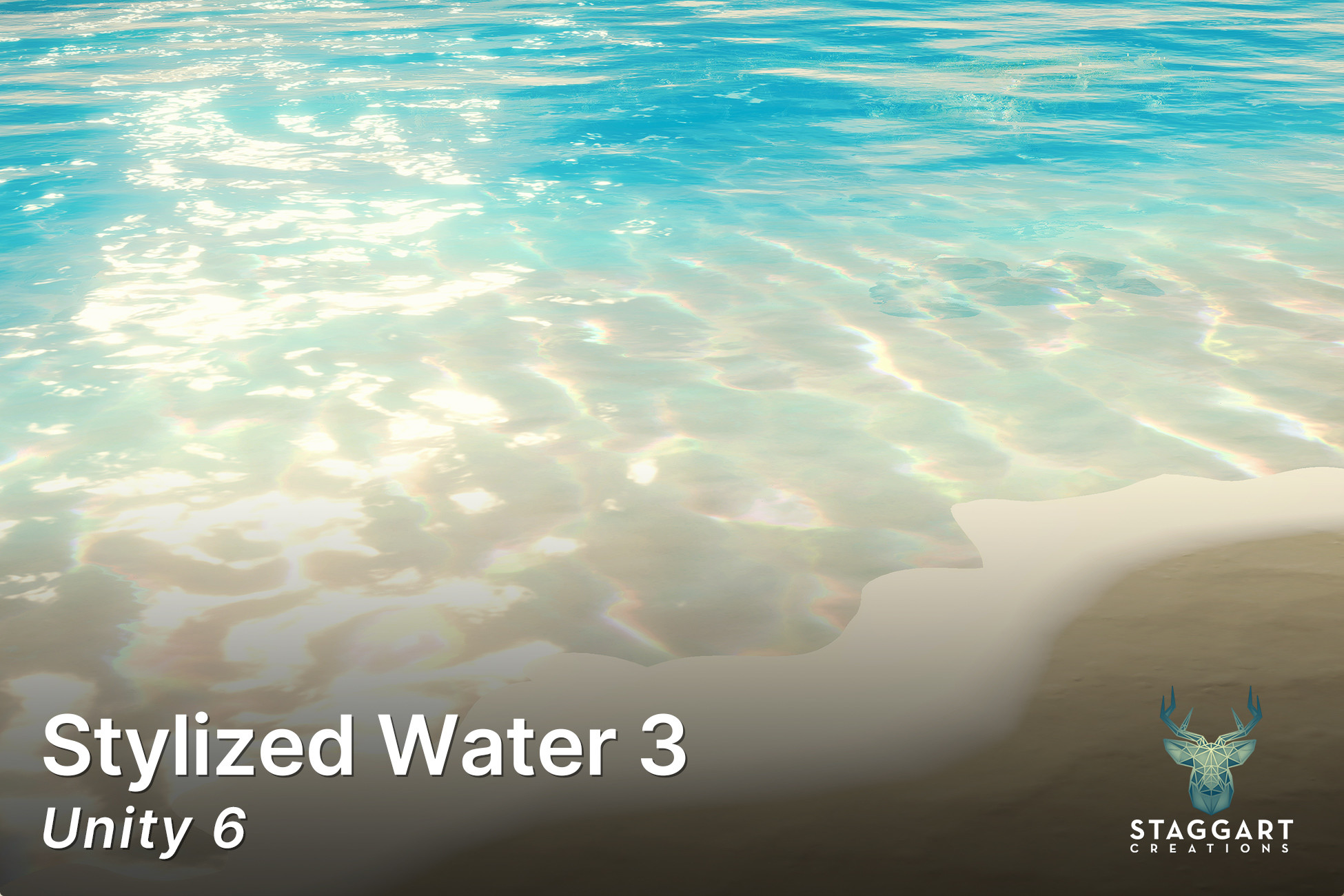
Water should belong to the rest of your art direction. Stylized Water 3 is a URP-focused water shader for stylized surfaces, with configurable appearance rather than a full environment kit.
Who should skip it? Skip it on Built-in or HDRP. Underwater rendering and dynamic effects have separate extension listings, so do not assume every trailer effect comes with the base asset.
Art, audio and scene dressing
2.POLYGON - Fantasy Kingdom
- Features
- Fantasy buildings; characters; props and weapons
- Compatibility
- Current package originally targets Unity 2022.3; check pipeline documentation
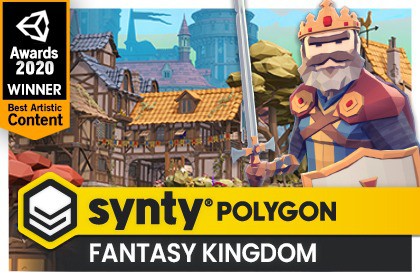
A fantasy town looks assembled from leftovers when every prop speaks a different visual language. POLYGON Fantasy Kingdom supplies a coordinated low-poly set of buildings, characters, props, weapons and environment pieces.
Who should skip it? Skip it if you need realistic materials or only a handful of props. A coherent style is useful; buying a kingdom to dress one room is less so.
4.Simple Bundle - Complete Collection
- Features
- Collection of SIMPLE art packs
- Compatibility
- Older bundle listing: July 2020; check included-pack versions
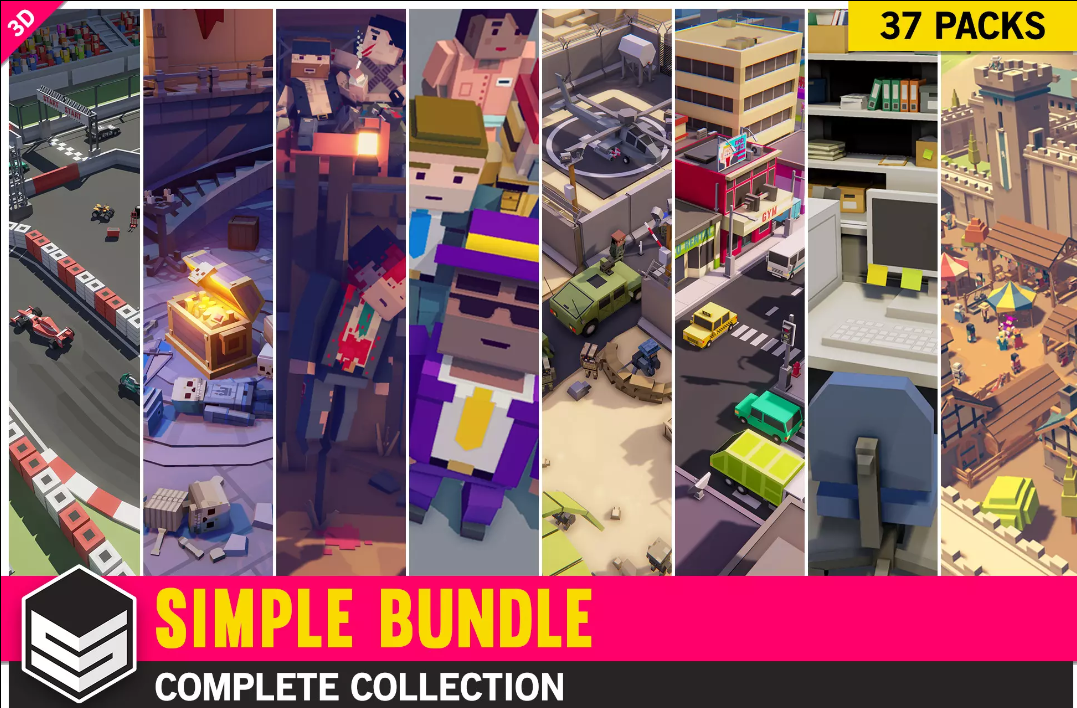
Several small prototypes can justify a broad art library better than one finished game can. SIMPLE Bundle collects Synty’s SIMPLE range across multiple themes, making sense when you actively use that simpler cartoon style.
Who should skip it? Skip it if you already own much of the collection. This older bundle listing is still sold, but its old release date is not proof that every included pack supports your current pipeline.
9.Ultimate Sound FX Bundle
- Features
- 10,101 WAV sounds in listed version 1.6
- Compatibility
- Audio library; latest listed release February 2025

Temporary beeps have a habit of surviving into release. Universal Sound FX offers a categorised multi-genre WAV library for filling those gaps, with a publisher file list and audio previews you can inspect before buying. It replaces the delisted Ultimate Sound FX Bundle, not the same publisher’s product.
Who should skip it? Skip it if you need a tightly themed soundtrack or bespoke signature sounds. Listen first and compare the file list with libraries you already own.
5.Dissonance Voice Chat
- Features
- Voice rooms; positional playback; Opus
- Compatibility
- Current package originally targets Unity 6; requires networking integration
Multiplayer voice means transmitting, receiving and routing audio, not just adding a microphone button. Dissonance provides real-time voice chat, rooms and positional playback with integrations for supported networking setups.
Who should skip it? Skip it for a single-player game. Verify the integration for your networking stack and target devices; a voice asset does not supply your entire multiplayer service.
11.Easy Performant Outline 2D | 3D (SRP/LWRP/URP/Default Renderer)
- Features
- Object highlighting; configurable outlines
- Compatibility
- Listing matrix: Unity 2022.3, Built-in, URP and HDRP
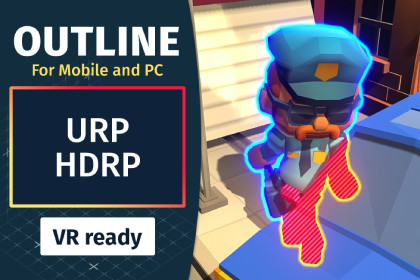
Players need to know which object they can pick up. Easy Performant Outline provides configurable object outlines and highlights for that selection feedback without replacing the underlying interaction logic.
Who should skip it? Skip it if an icon or material change already communicates selection. Check your renderer setup and profile the effect; “performant” in the name is not a measurement of your scene.
13.Real Ivy 2 Procedural Ivy Generator
- Features
- Collider-guided ivy growth; editor and runtime tools
- Compatibility
- Older live listing: September 2021; verify current-editor compatibility
Bare stone can need a little vegetation, not a second terrain suite. Real Ivy 2 generates climbing plants using scene colliders, with editor authoring and runtime growth options. The listing describes Built-in, URP and HDRP shader support.
Who should skip it? Skip it if static foliage meshes are enough. Its latest listed release is old, and we have not verified Unity 6 behaviour; the environment shown in its screenshots is not included.
Complete game frameworks
14.Corgi Engine - 2D + 2.5D Platformer
- Features
- 2D and 2.5D controller; platformer systems
- Compatibility
- Listing matrix includes Unity 6 and Unity 2022.3

A platformer’s jump is not a decorative feature. Corgi Engine provides a character-controller and gameplay-system starting point for 2D and 2.5D platformers, rather than an art-only bundle.
Who should skip it? Skip it if you already have a controller architecture you trust. First check whether its controller model fits your game; adapting a framework is still engineering work.
15.Adventure Creator
- Features
- Adventure logic; inventory; dialogue workflows
- Compatibility
- Listing matrix includes Unity 6 and Unity 2022.3
Point-and-click adventures need conversations, inventories and interaction logic long before they need a combat engine. Adventure Creator supplies an adventure-focused toolkit and visual authoring workflow for 2D and 3D games.
Who should skip it? Skip it for an action game that does not need those systems. You still need your own scenes, writing, characters and interaction design.
16.Game Creator
- Features
- Visual scripting; characters; cameras; save/load
- Compatibility
- Current package requires Unity 6.3+; included samples use URP
Designers who want to assemble logic visually need a framework they can keep working inside. Game Creator 2 includes a visual-scripting system, character and camera tools, variables and save/load features. It replaces the retired original Game Creator listing.
Who should skip it? Skip it on an editor older than Unity 6.3, or if your codebase already solves these systems. Budget separately for optional modules; the base package is not the whole ecosystem.
Before you fill the basket
- Name the blocker. Write down the task this purchase will remove from your week. If you cannot, leave it on the wishlist.
- Check the exact editor and pipeline. A Built-in demo does not promise URP materials. An old “original Unity version” is not a current compatibility certificate.
- Check licences and overlap. Extension Assets and art packs have different licence categories. Read the applicable entity and seat rules, and compare bundles with your existing purchases.
- Budget for integration. Frameworks, shader extensions, networking integrations and optional modules can cost time or require separate purchases.
- Read the refund policy. Do not assume a purchase is refundable simply because it does not suit your game.
Black Friday buying questions
Should I wait for Cyber Monday? Only if you can verify the offer window for the exact asset. Flash Deals and the main sale are separate; we cannot promise a later price will be better.
Are all twenty picks in the sale? No blanket discount claim is made. Several are in the official preview, while others remain useful live packages worth checking individually. The store is the source for whether a specific discount is active.
What changed from the old guide? Twelve original packages remain. RayFire, Gaia Pro and Game Creator now point to their official successors; the delisted Ultimate Sound FX Bundle is replaced with Universal Sound FX. Feel, A* Pathfinding Project Pro, Magica Cloth 2 and Stylized Water 3 expand the list. Older live packs stay, with their limitations visible.
Buy the missing piece, not the sale
Start with Odin if repeated editor work is the problem, Easy Save if persistence is the gap, or Feel if working gameplay needs clearer feedback. Art, cloth and whole-game frameworks should earn their place through a specific task. A discounted asset you never integrate is still an expensive folder.
Editorial update: Listings, sale-preview wording and package successors checked on 15 November 2026. Original publication date retained. No new hands-on testing or official purchase-volume ranking is claimed.